
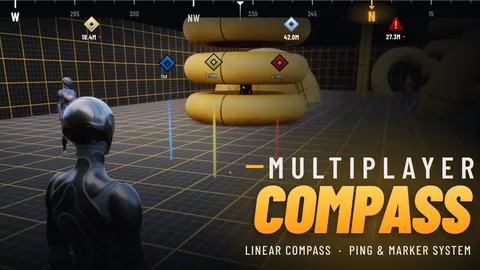
Multiplayer Compass & Marker Documentation
Setup and user guide: adding the compass, marker types, every setting, multiplayer and troubleshooting.
Start readingReleased Plugin / Tool v1.0.0 12 views
A linear compass and replicated ping system for Unreal Engine.
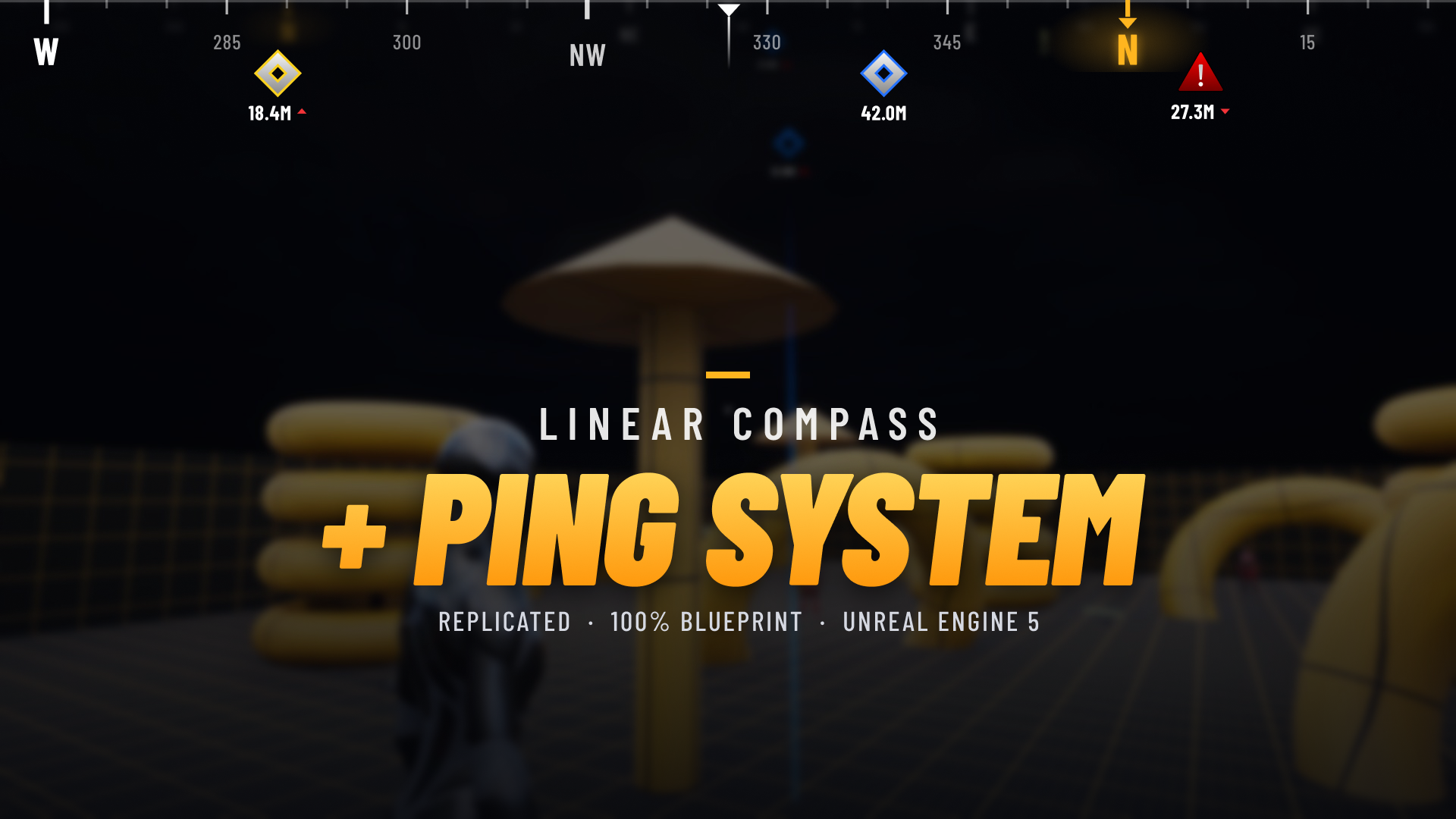 Linear Compass + Ping System
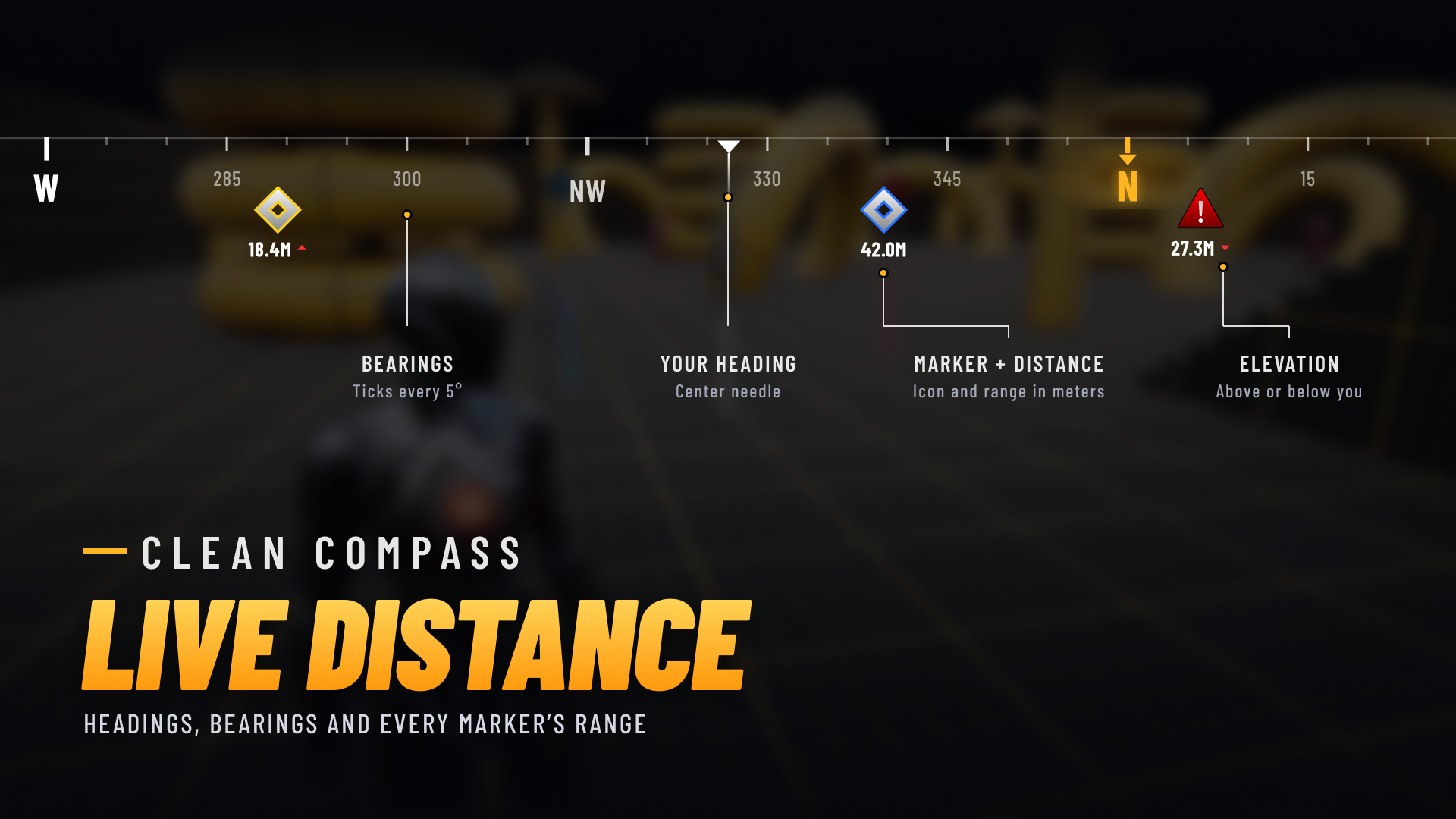 Clean Linear Compass with Live Distance
 7 Marker Types
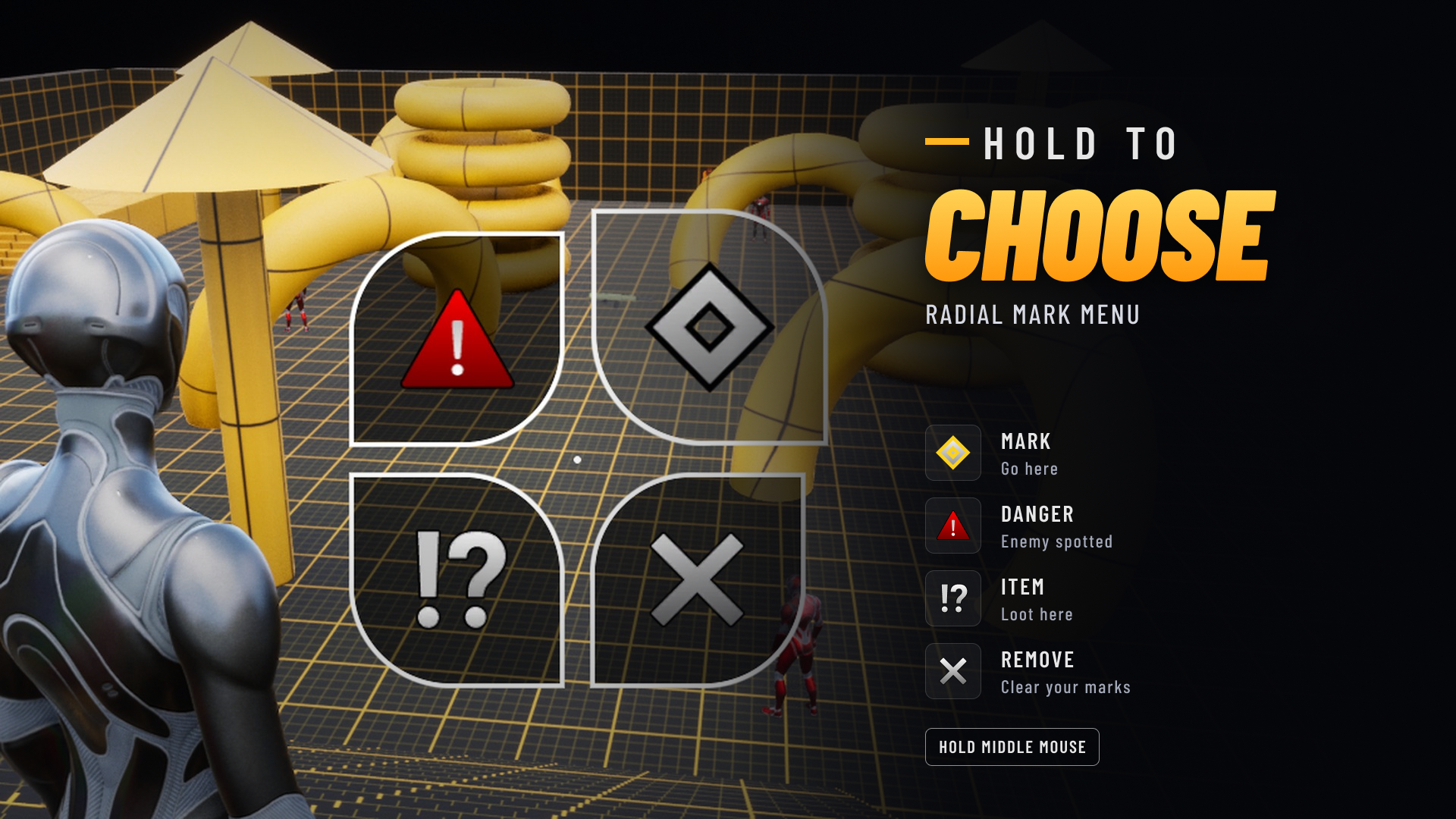 Radial Mark Menu
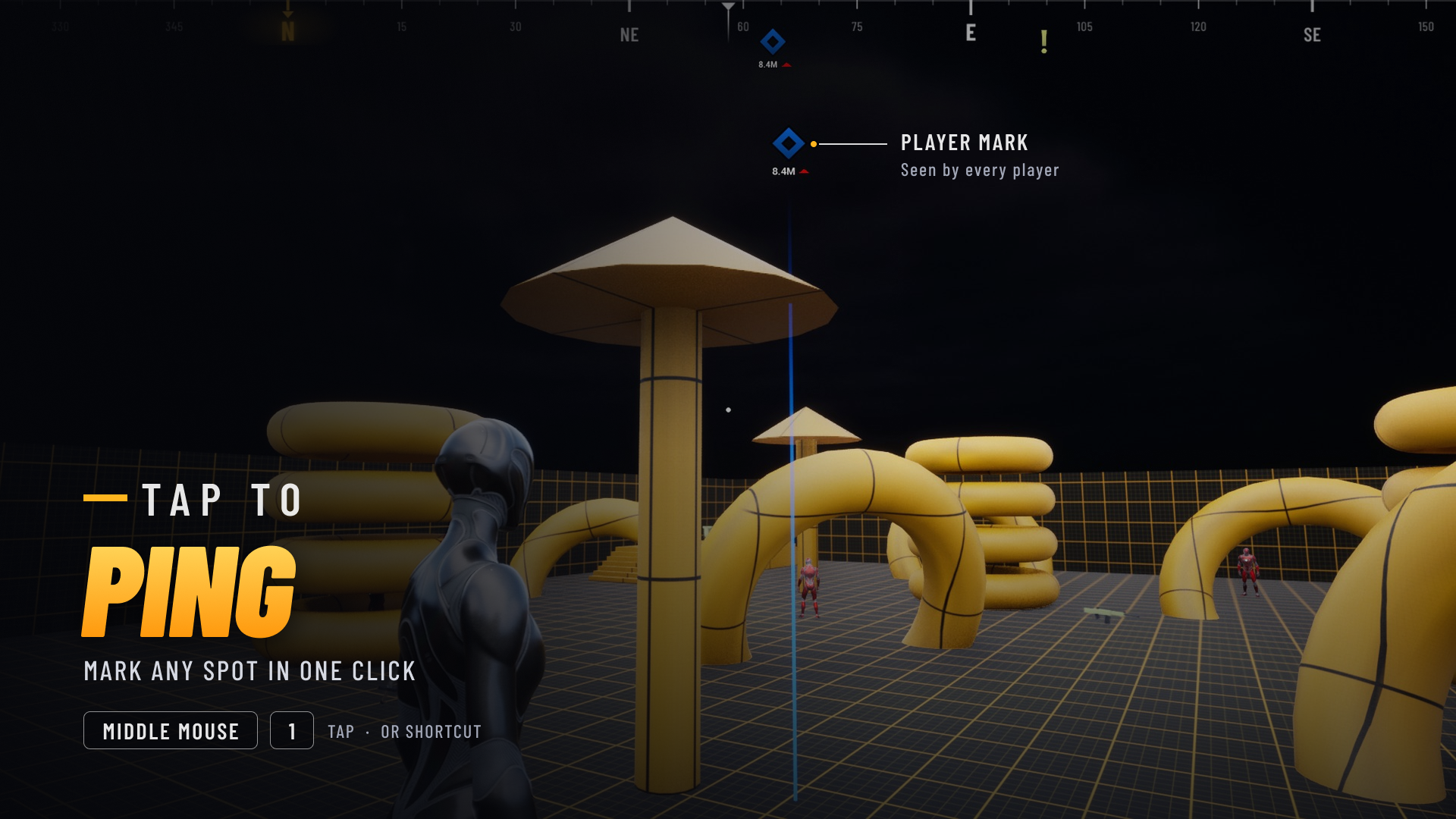 Tap to Ping
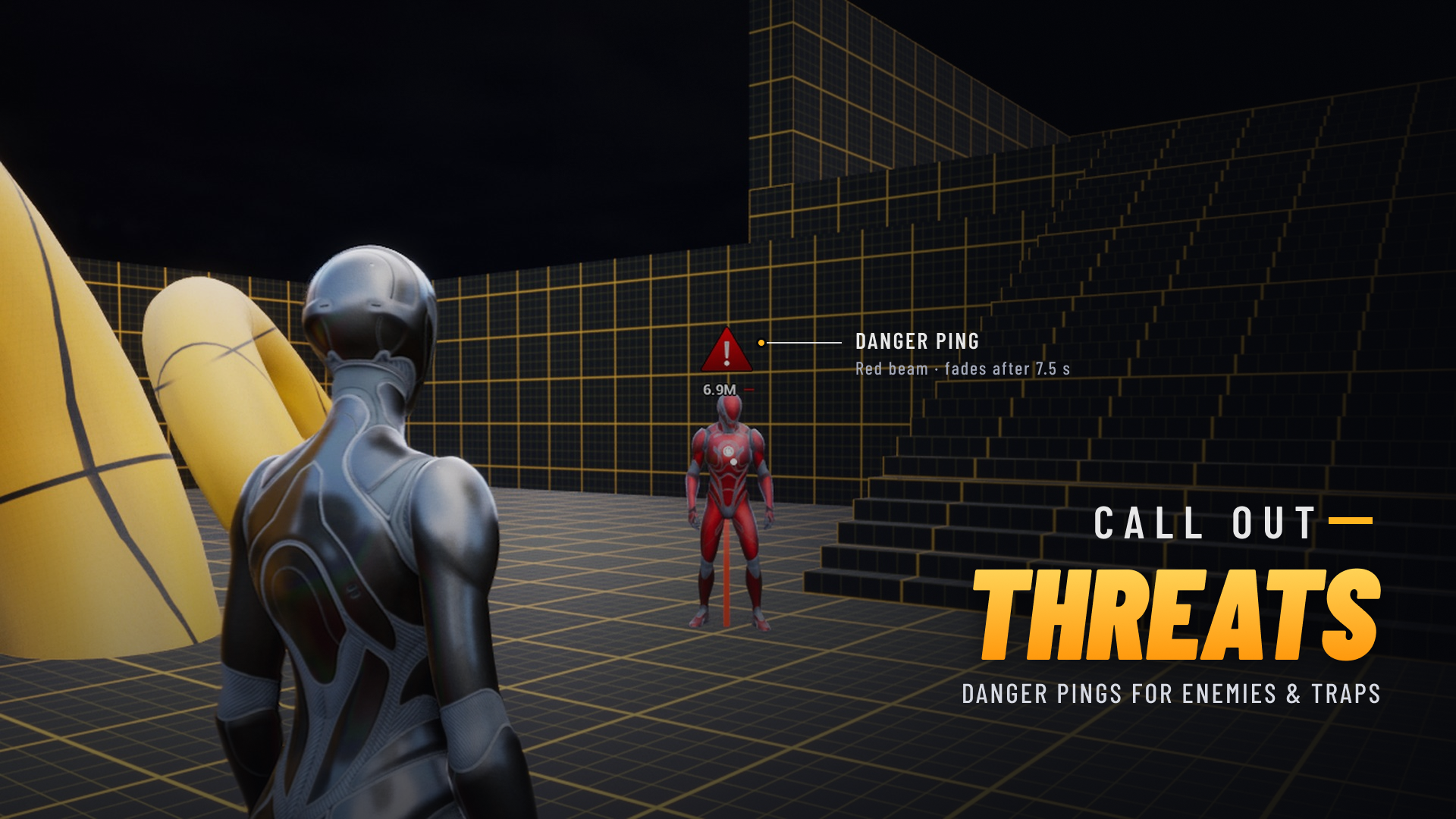 Call Out Threats
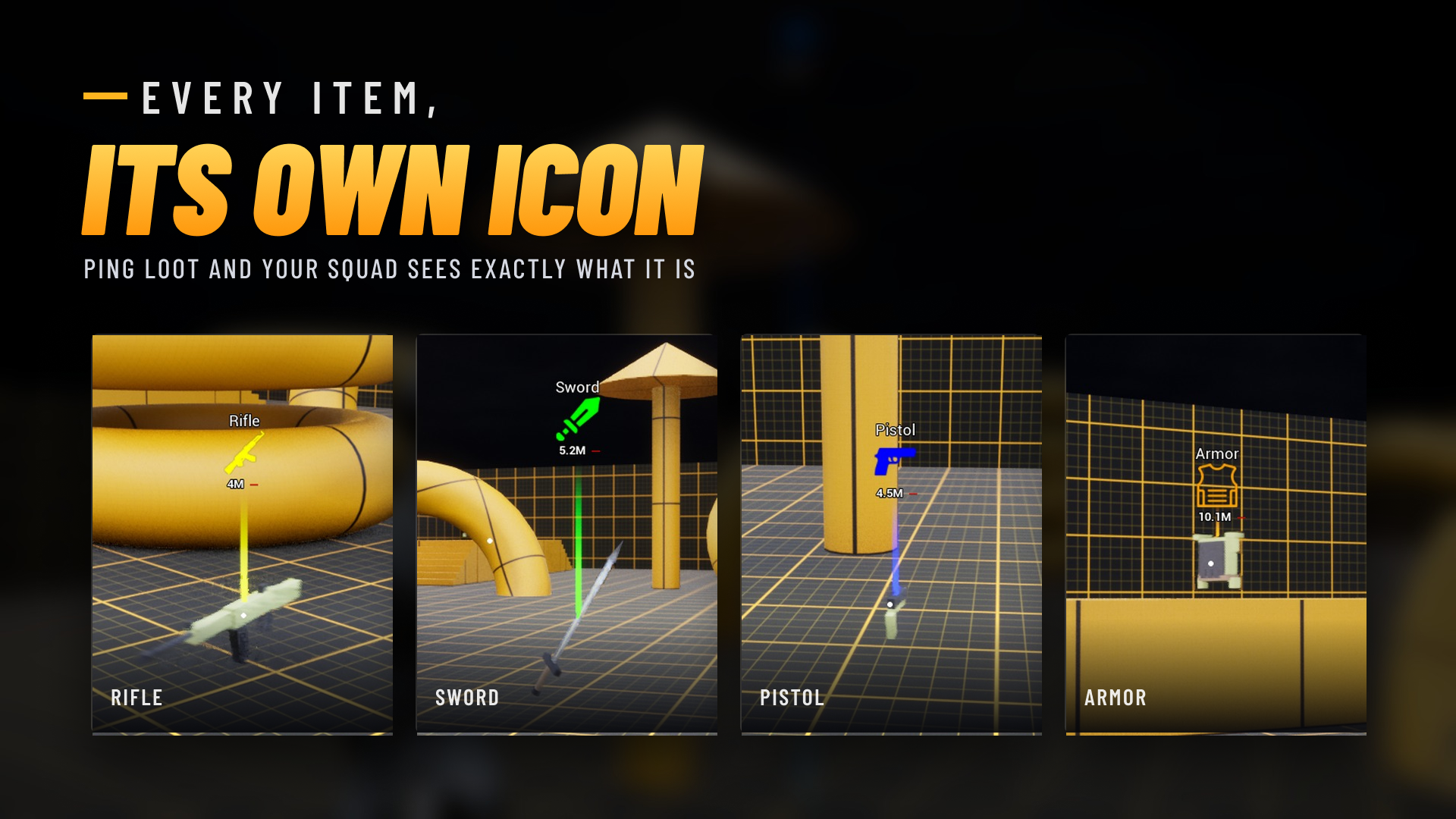 Smart Item Pings
 Off-Screen Markers Stay on the Edge
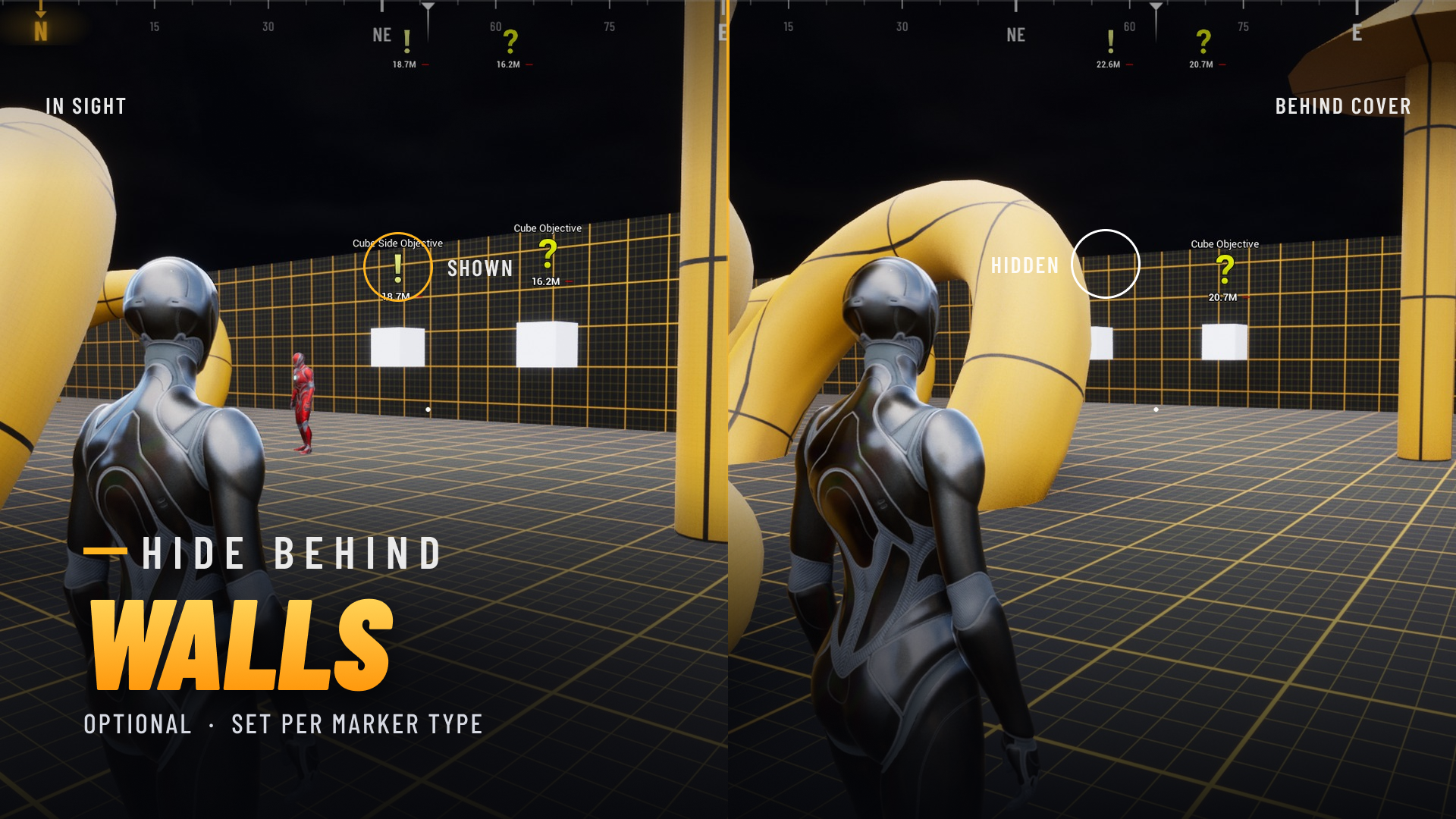 Show or Hide Behind Walls
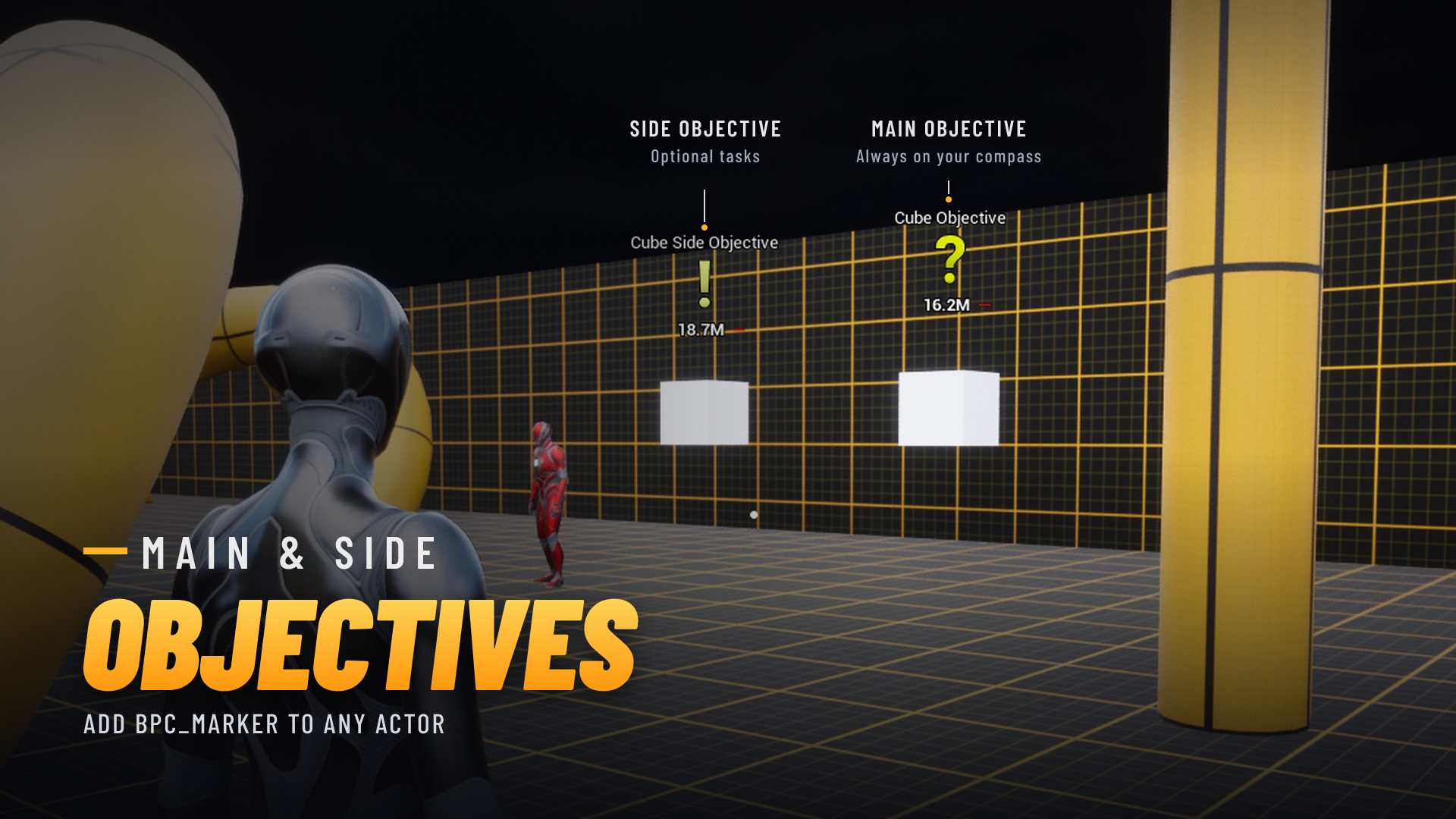 Main & Side Objectives
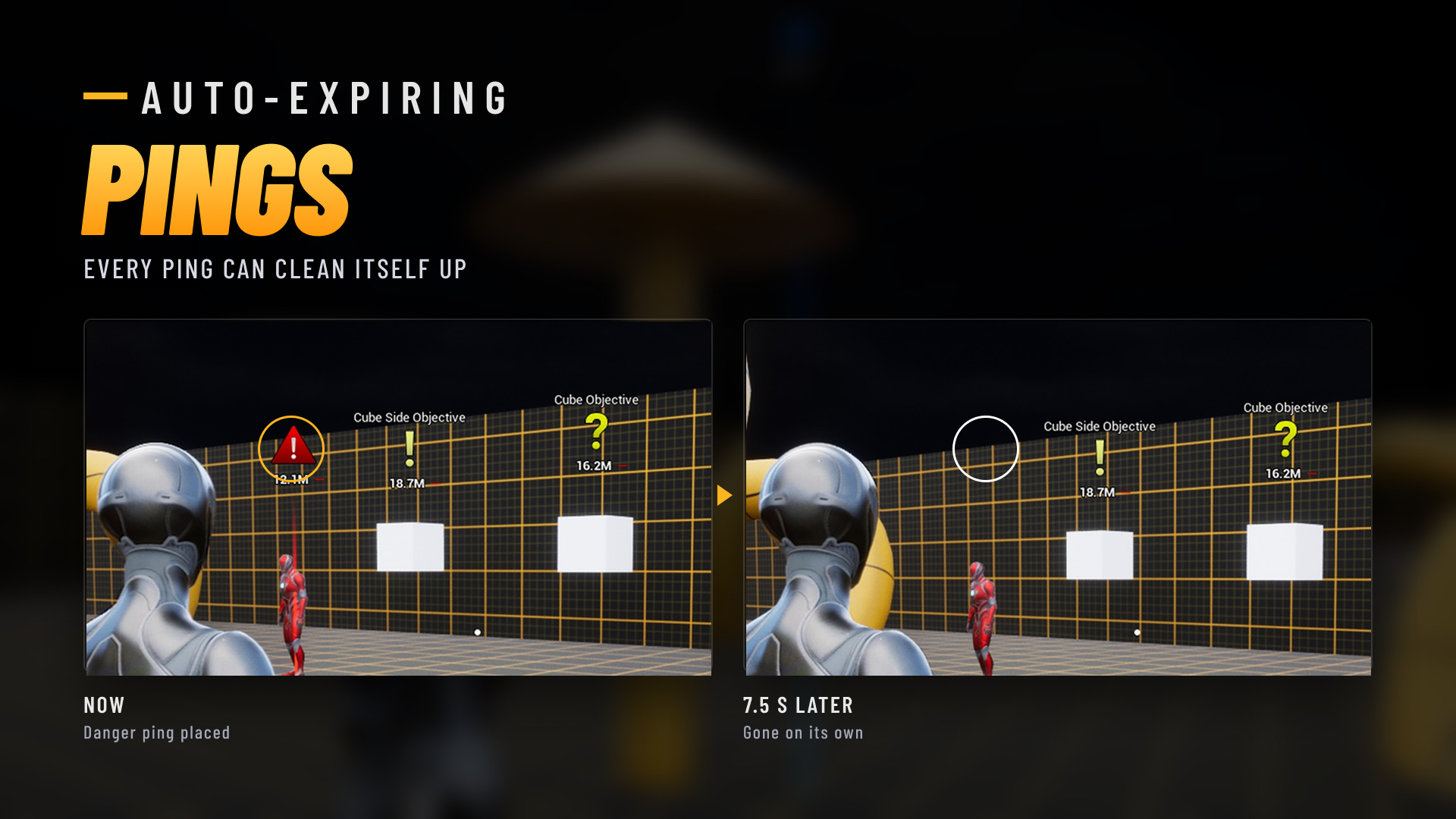 Auto-Expiring Pings
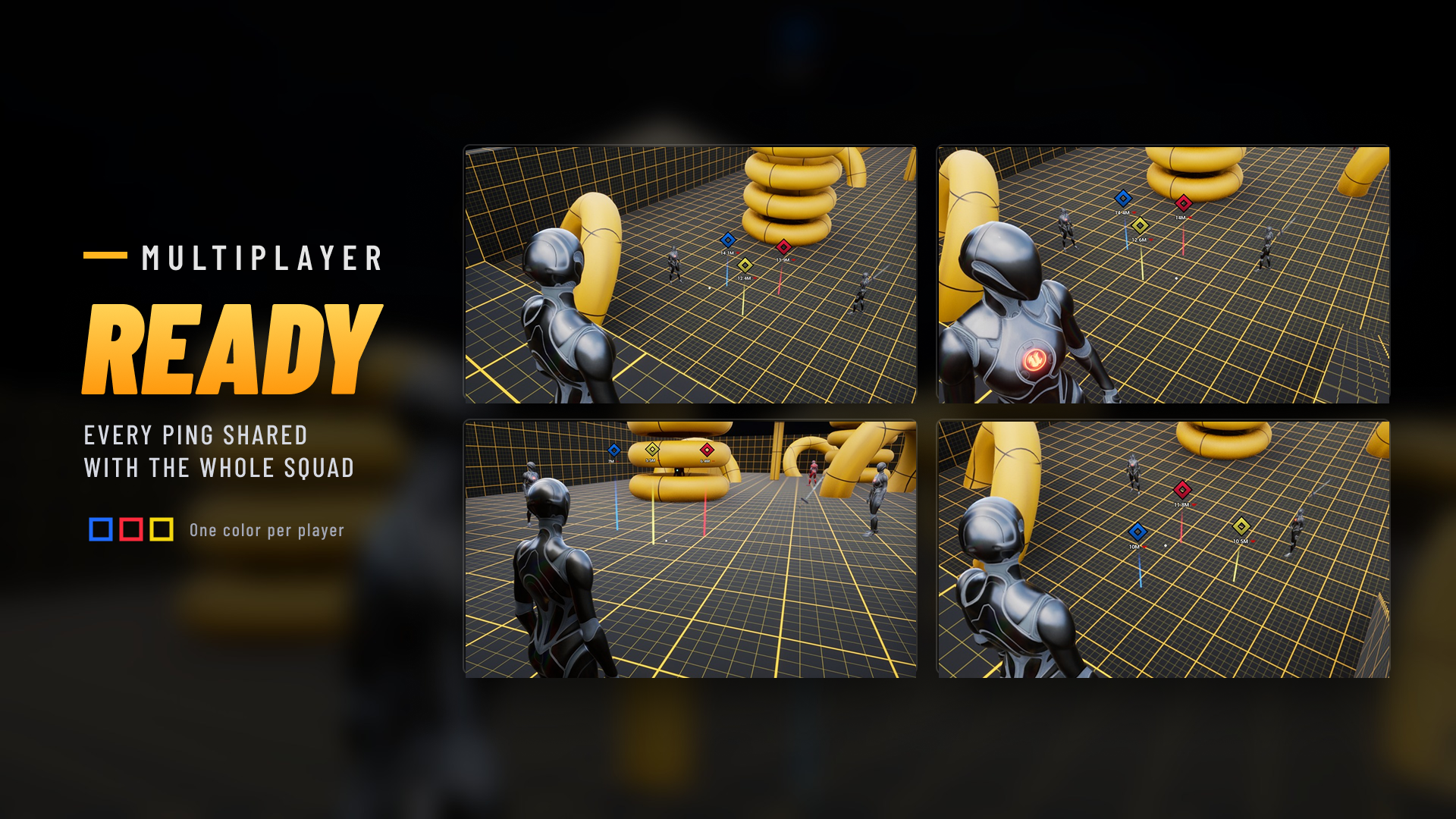 Fully Replicated Multiplayer
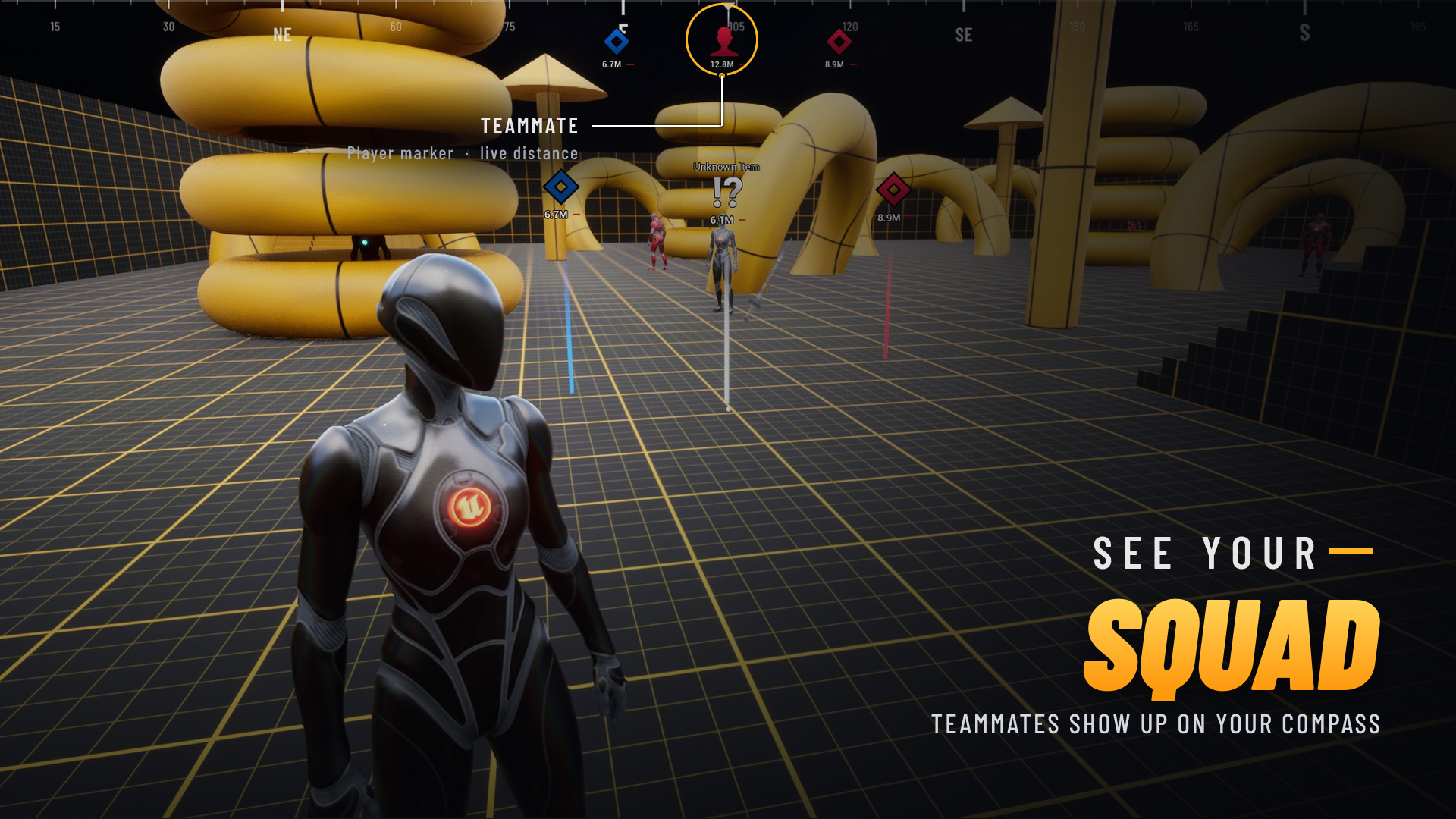 See Your Squad
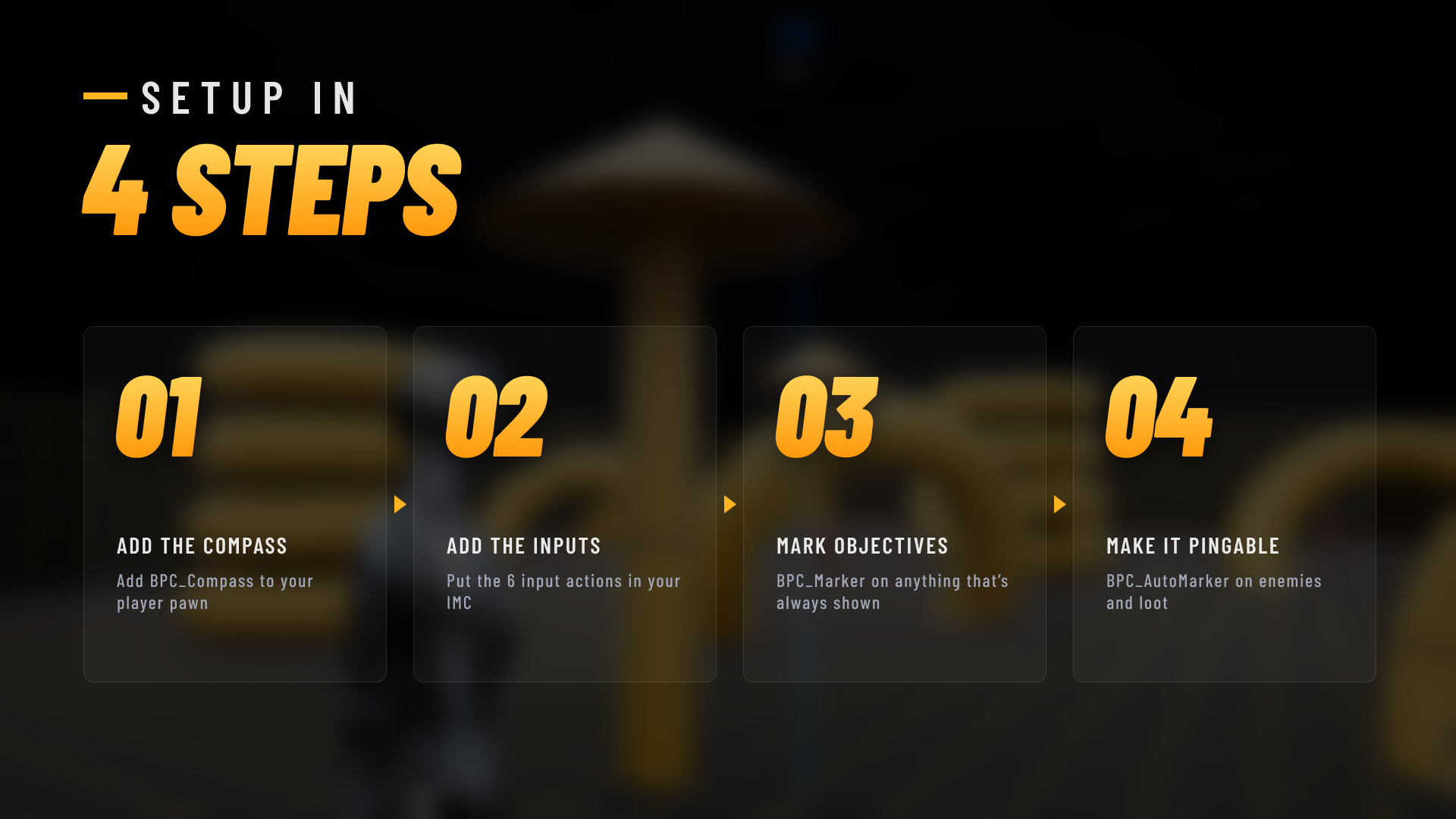 Setup in 4 Steps
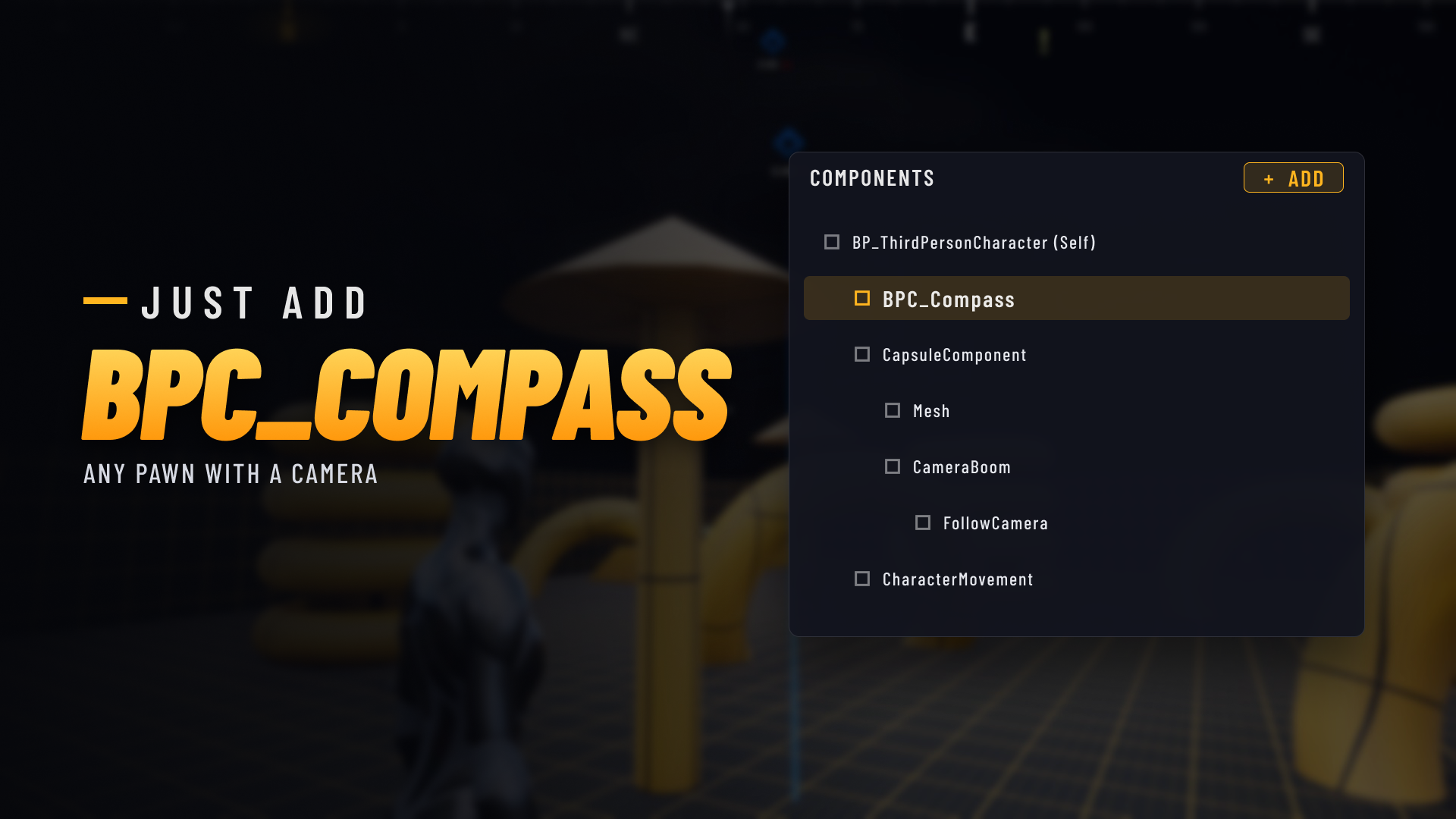 Just Add BPC_Compass
 Turn Any Actor into a Marker
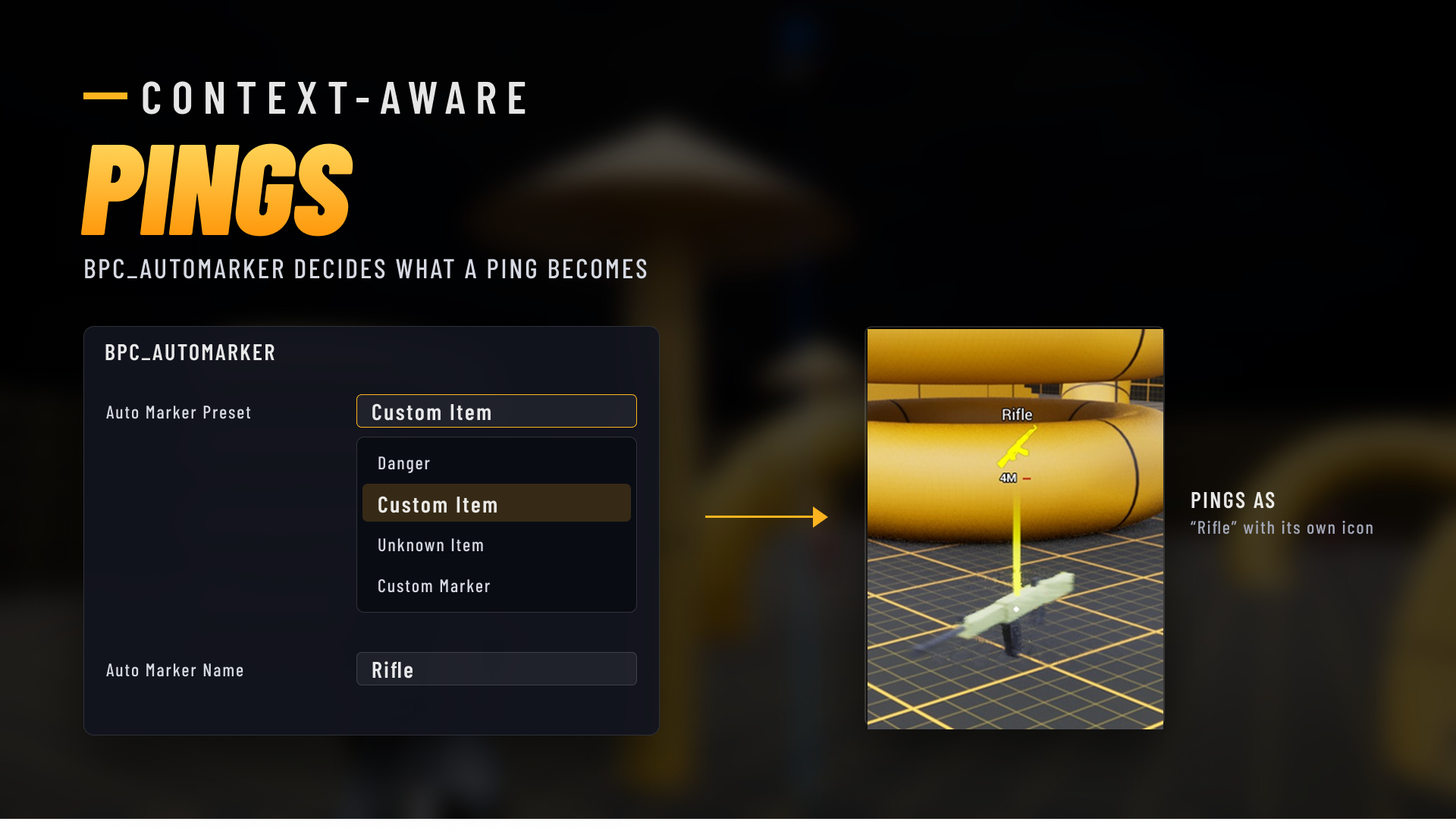 Context-Aware Pings
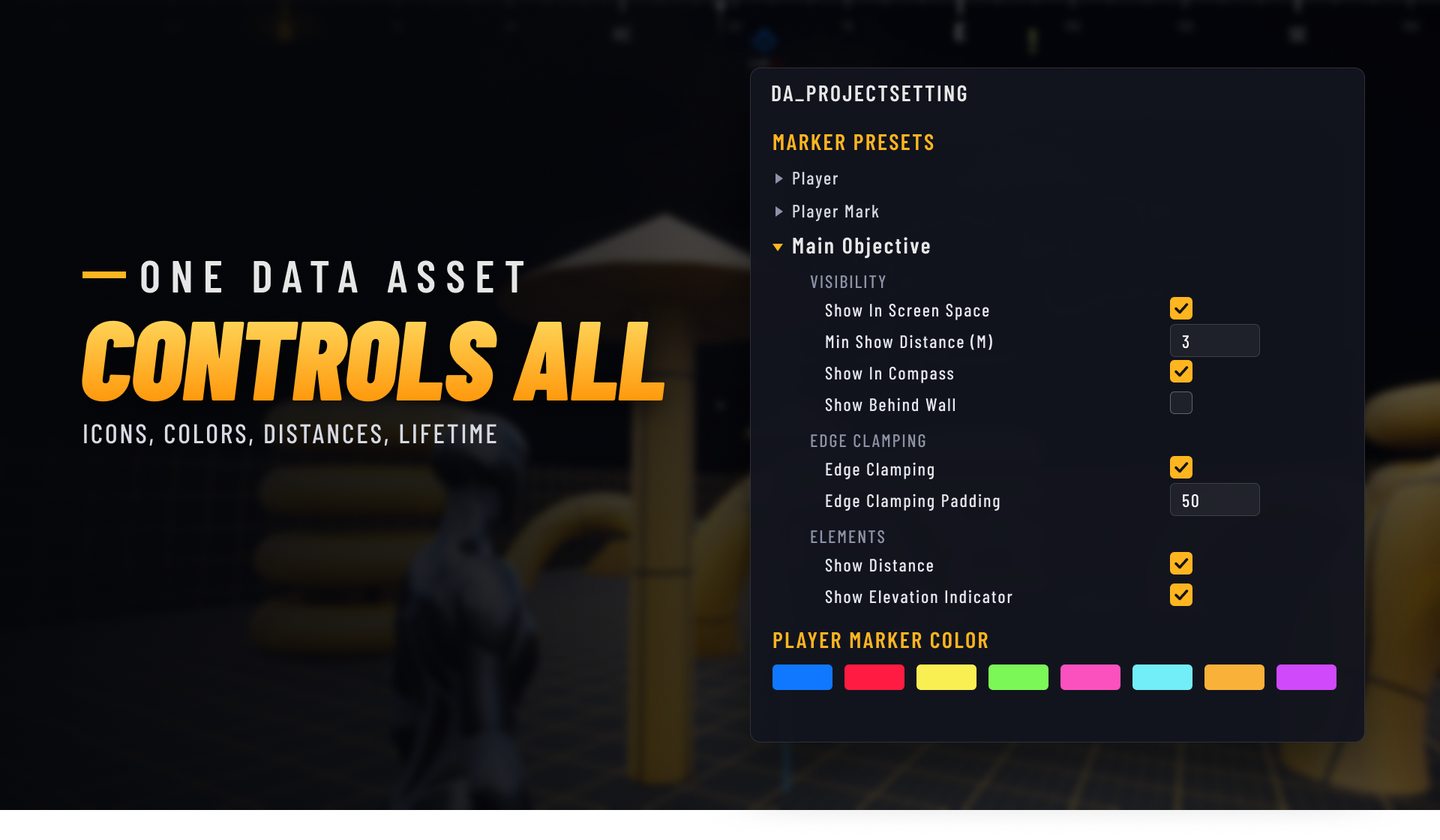 Everything in One Data Asset
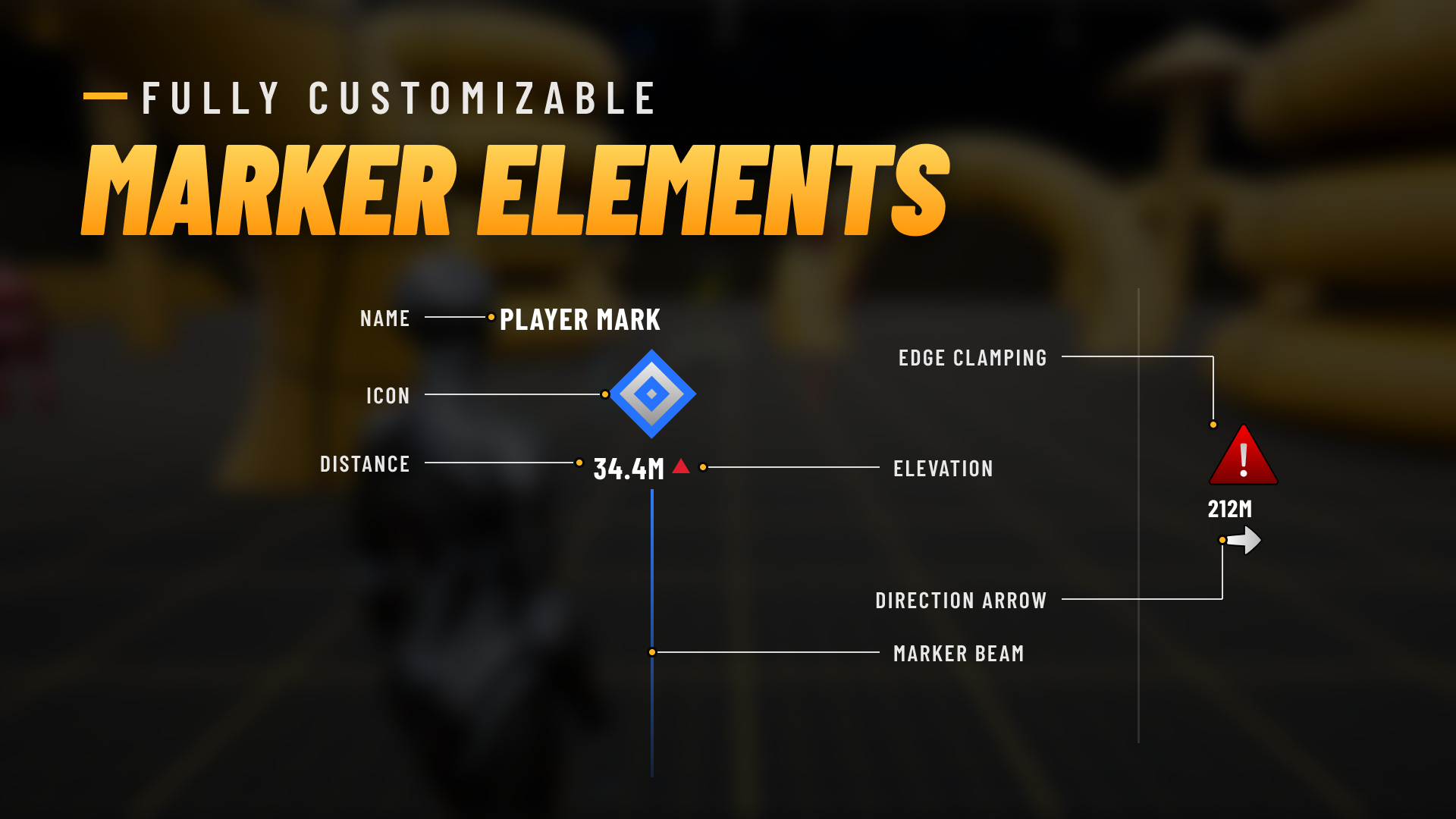 Marker Elements
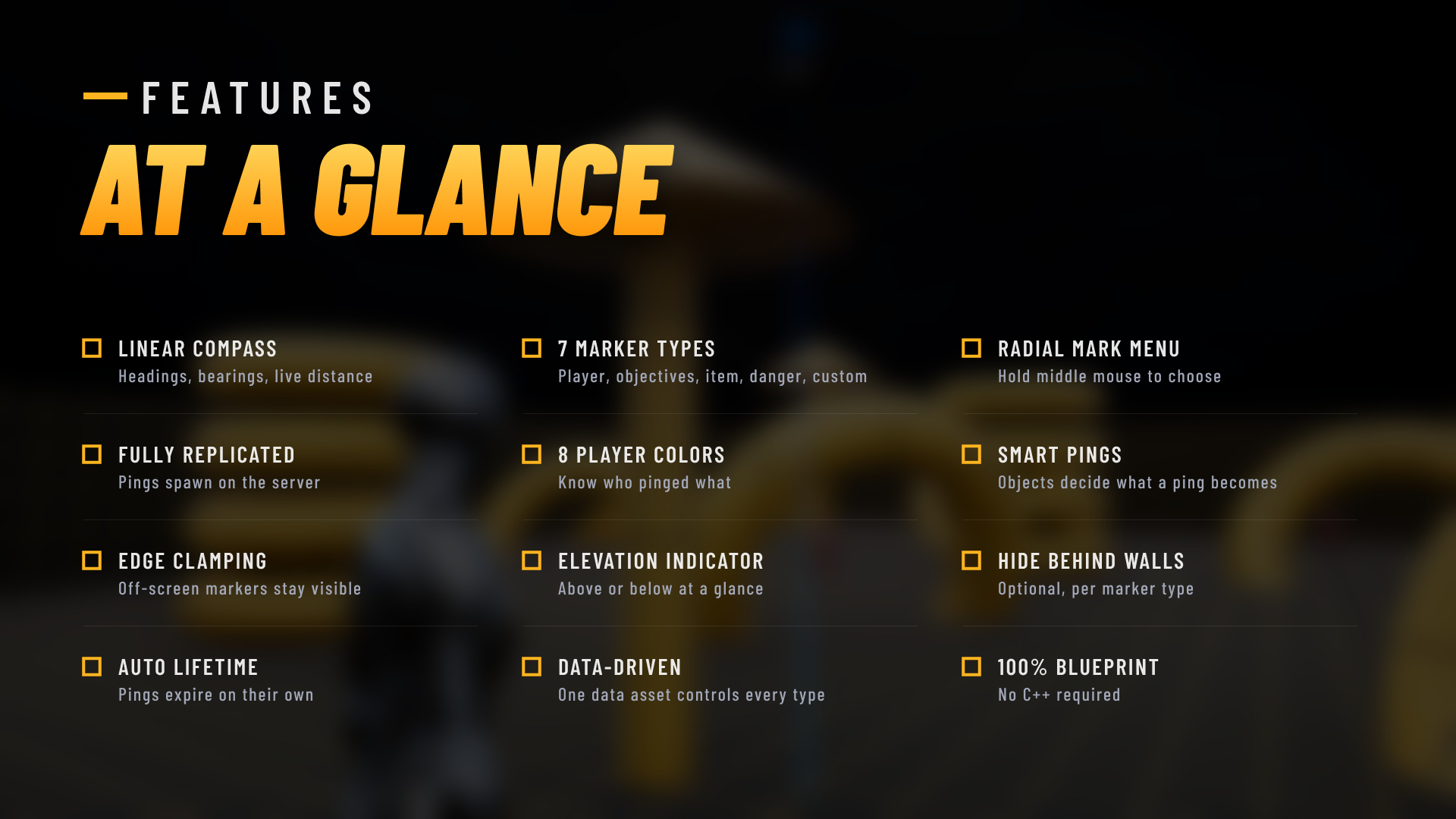 Features at a Glance
Multiplayer Compass & Marker is a complete compass and ping system for multiplayer games in Unreal Engine 5.8, built entirely in Blueprint. A linear compass along the top of the screen shows headings and bearings, and every marker appears both on the compass and in the world, with its live distance in meters.
Players tap the middle mouse button to mark whatever they are looking at, or hold it to open a radial menu with Mark, Danger, Item and Remove. Markers are spawned on the server and replicated, so the whole team sees every call-out in that player's own color.
BPC_AutoMarker on an object and it decides what a ping on it becomes, such as an item with its own icon.BPC_Marker to any actor, set it to Objective or Side Objective, and it stays on everyone's compass for as long as it exists.BPC_Compass to your player pawn. Any Pawn or Character with a Camera component works.BPC_Marker on anything that should always be marked.BPC_AutoMarker on anything players can ping.Every marker type's icon, color, font, show distances and lifetime live in one Data Asset, DA_ProjectSetting, together with the 8 player colors.
| Asset | Count |
|---|---|
| Blueprints | 9 (7 system, 2 demo) |
| Widgets | 6 |
| Materials | 16 (12 system, 4 demo) |
| Textures | 59 (21 system, 38 demo) |
| Static Meshes | 14 (7 system, 7 level) |
A ShowCase level, 6 simple 3D props and 6 item icons are included so you can try everything right away. To test multiplayer in the editor, set Number of Players to 2 and Net Mode to Play As Listen Server.
Note
Default bindings are mouse and keyboard. The system uses Enhanced Input, so you can add gamepad buttons to the same input actions, but choosing an option in the mark menu currently uses the mouse cursor.
Cardinal points, degree ticks and marker icons with live distance in meters
Player, Player Mark, Objective, Side Objective, Item, Danger and Custom
Markers spawn on the server and every player sees them, each in their own color
Hold middle mouse for Mark, Danger, Item and Remove, plus four shortcut keys
Screen-edge clamping, a direction arrow and an above/below elevation indicator
BPC_AutoMarker decides what a ping on an object becomes
Per-type show distances, automatic lifetime and a world-space marker beam
Works in Blueprint-only and C++ projects, set up in four steps
Setup and user guide: adding the compass, marker types, every setting, multiplayer and troubleshooting.
Start reading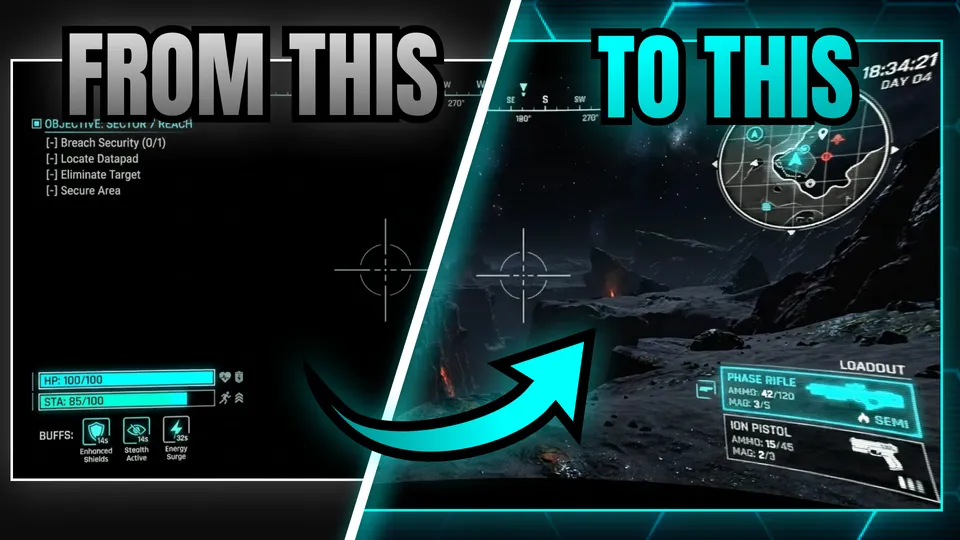
Distortion, glow and scanlines that give UMG widgets a classic CRT look.
From $9.99 on Fab
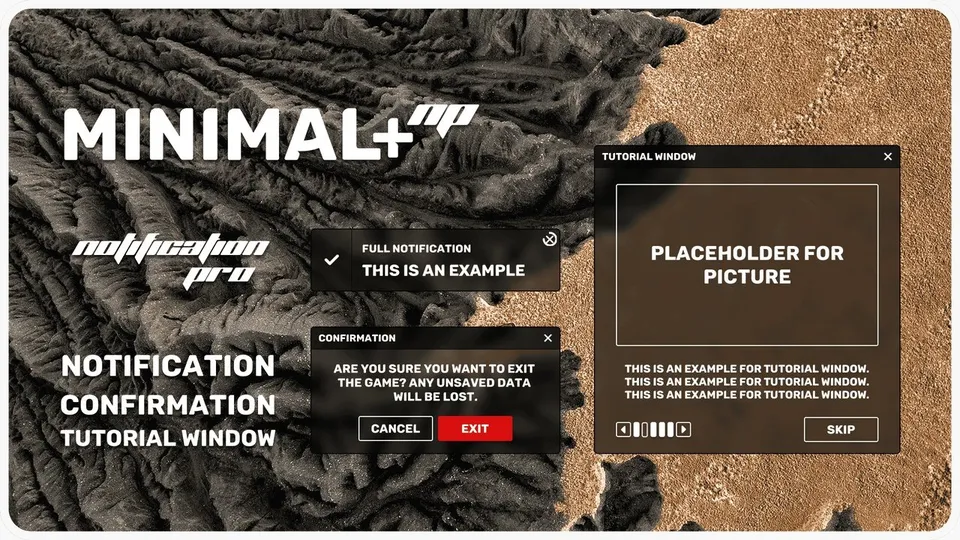
Stackable notifications, confirmation dialogs and tutorial windows for UMG, in the Minimal+ style.
From $14.99 on Fab
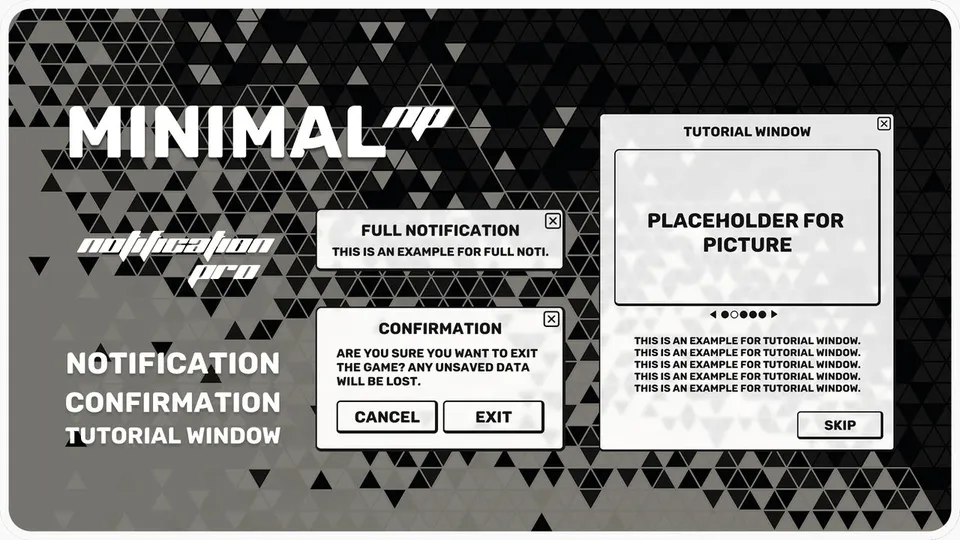
Stackable notifications, confirmation dialogs and tutorial windows for UMG, in the Minimal style.
From $14.99 on Fab