Getting started
Requirements, package contents and a five-step quick start.
Requirements
- Unreal Engine 5.3 or newer
- Content only: no C++ and no plugin. Works in Blueprint and C++ projects.
- Anti-aliasing: any method works. TSR or TAA is recommended (see Recommended settings).
Package contents
| Asset | Type |
|---|---|
M_Kuwahara_Master |
Master post process material |
MI_Kuwahara_OilPaint |
Preset: classic oil painting |
MI_Kuwahara_Watercolor |
Preset: soft, light watercolor |
MI_Kuwahara_Storybook |
Preset: all modules, fine near / bold far |
MI_Kuwahara_Dream |
Preset: very soft, large strokes in the distance |
MF_Kuwahara |
Smooth Kuwahara filter (Custom HLSL node) |
MF_DepthFade |
Depth-based brush radius |
MF_ColorGrade |
Saturation / contrast / tint |
MF_Paper |
Paper texture overlay |
MF_DepthMask |
Helper: near/far depth mask |
MF_Luminance |
Helper: luminance |
MF_ScreenAspectUV |
Helper: aspect-correct screen UVs |
T_Kuwahara_Paper |
Tileable paper texture (1024 × 1024) |
All material functions are exposed to the Material Function Library under the category Kuwahara, so you can use them in your own materials.
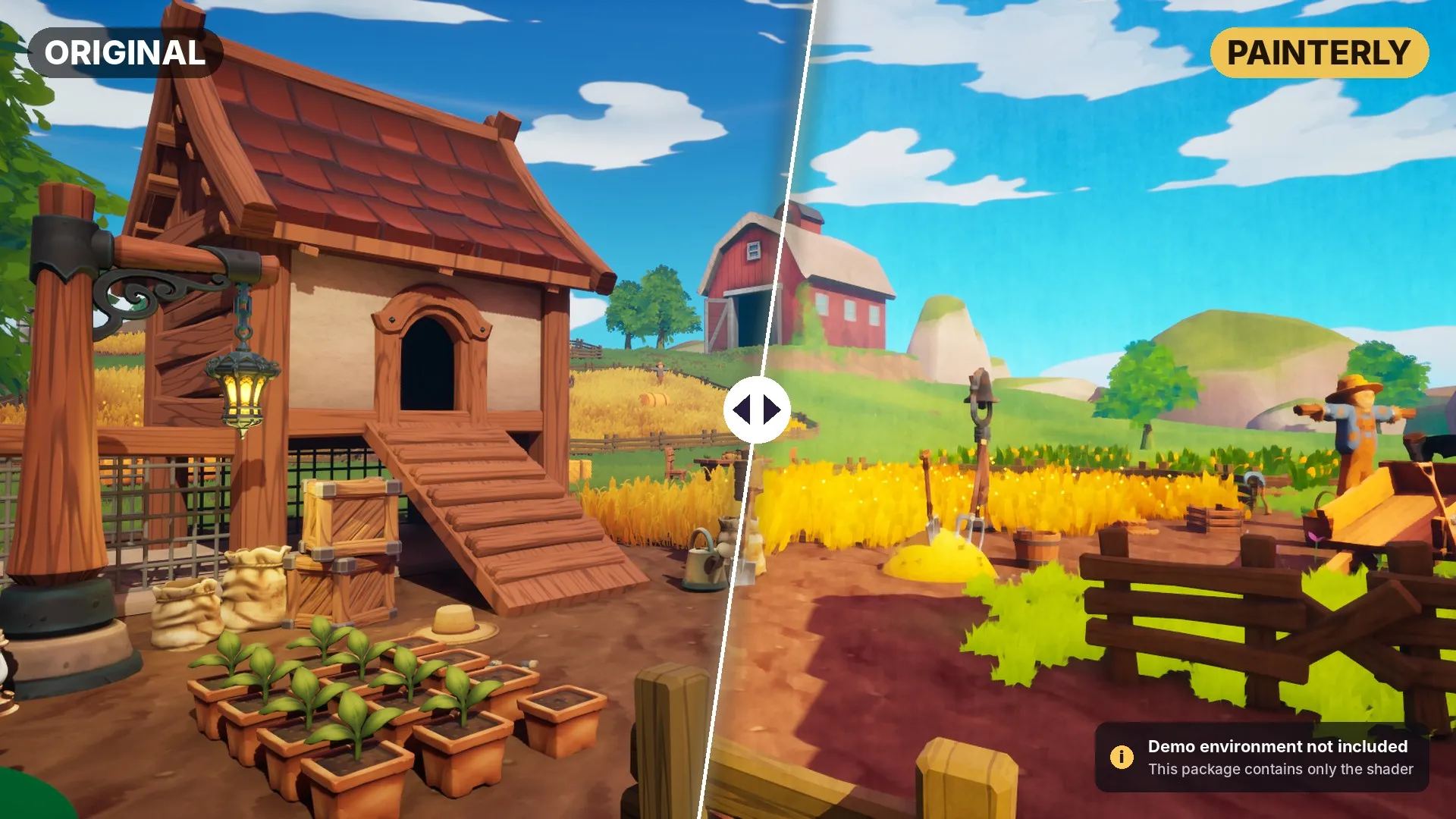
The demo level and environment shown in the store images and video are not included. This package contains only the shader.
Quick start
- Add the package to your project from Fab (Add to Project).
- Place a Post Process Volume in your level.
- In its Details panel, enable Infinite Extent (Unbound).
- Go to Rendering Features > Post Process Materials, click +, choose Asset reference, and select one of the
MI_Kuwahara_presets. - Open the Material Instance and adjust the parameters. Changes appear live in the viewport.
To use it only in part of the level, leave Infinite Extent off and scale the volume to the area you want.