
Project settings
Central marker presets and player colors in DA_ProjectSetting.
Double-click Blueprints/DataAssets/DA_ProjectSetting. Any change here applies to every marker of that type across the game.
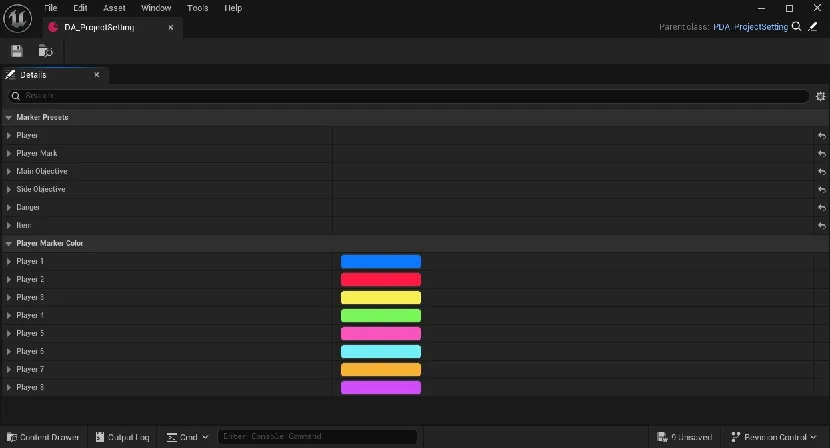
Marker Presets
It holds six presets: Player, Player Mark, Main Objective, Side Objective, Danger and Item. Expand any of them to find the six groups described in Marker settings.
Player Marker Color
Each player's color is picked by player number. A marker with no owning player is white.

| Player | Color |
|---|---|
| Player 1 | #0F78FF |
| Player 2 | #FF1B42 |
| Player 3 | #F9EF52 |
| Player 4 | #7CF758 |
| Player 5 | #FA51BE |
| Player 6 | #71EEF7 |
| Player 7 | #F9B13A |
| Player 8 | #D049FA |